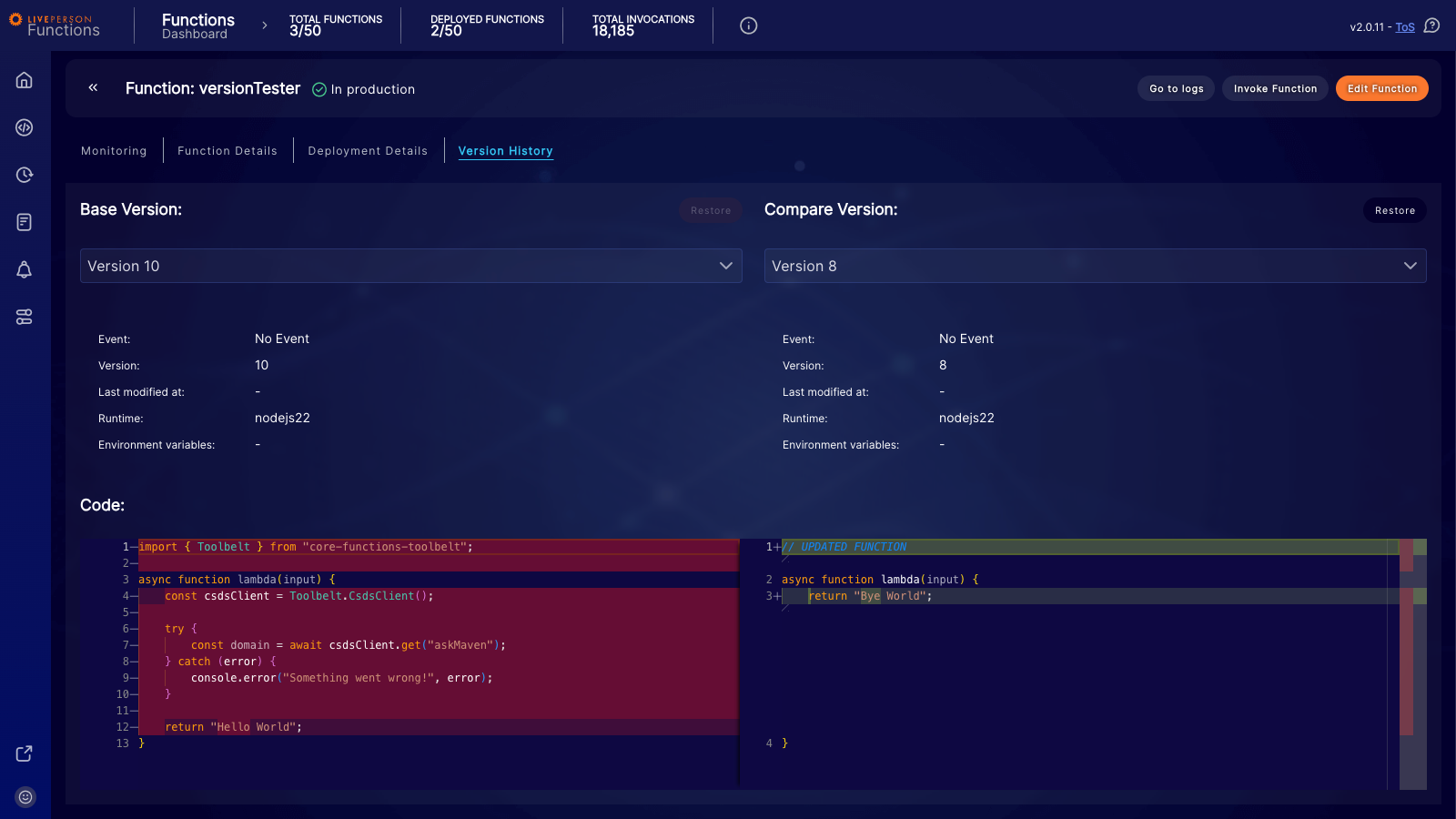
The LivePerson Functions platform saves up to 5 versions of each function, allowing you to revert to a previous version if needed. The version comparator provides an overview of the differences between any two selected versions. This lets you quickly see what changed and revert to a known-good state.
Deployment History
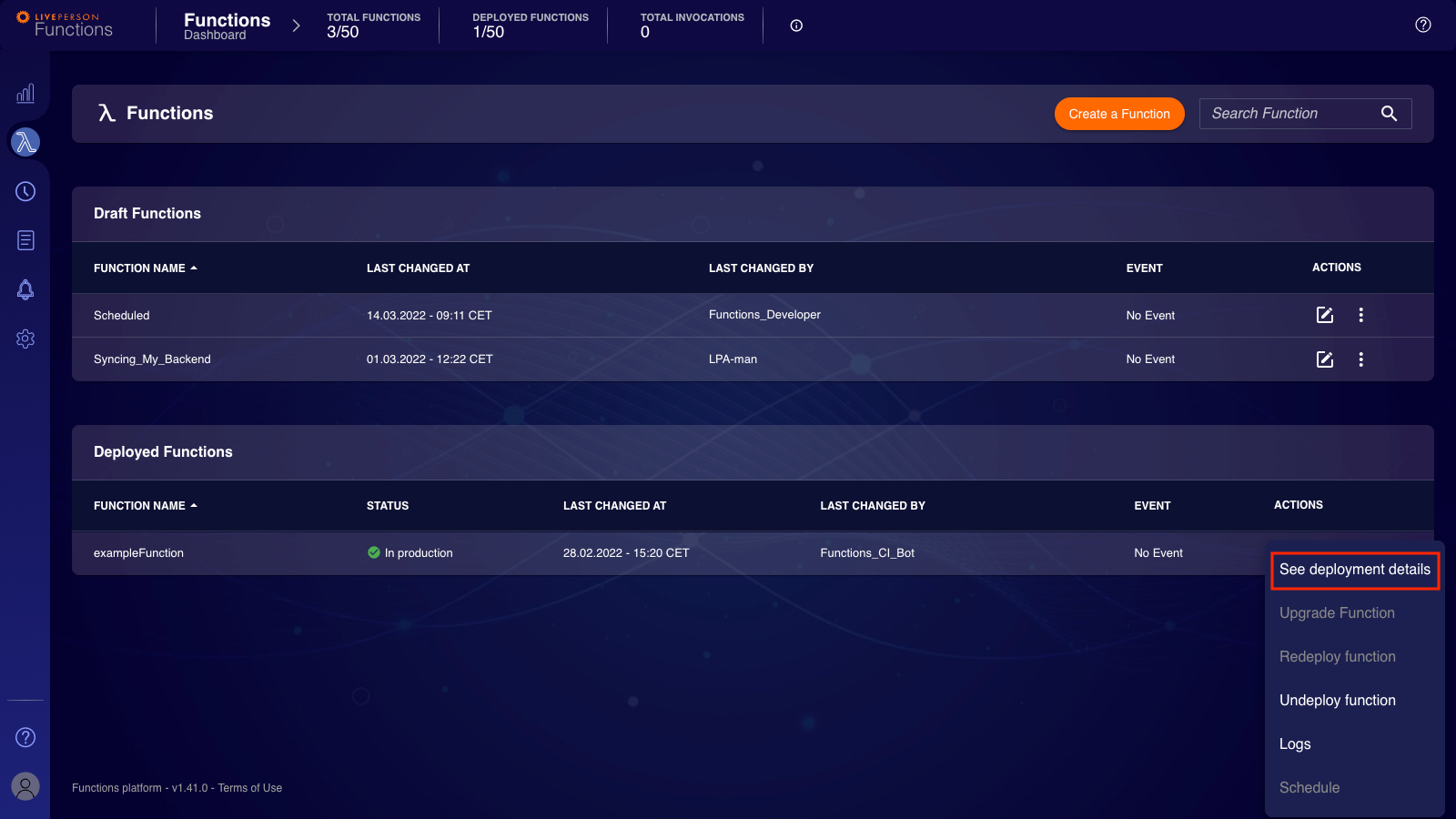
The Functions platform keeps a history of the last 5 deployments for each function, including the specific function version that was deployed. It's important to note that multiple sequential deployments can use the same function version if the underlying code has not changed.
You can access the deployment history by clicking on the deployment details of a deployed function:
Function Version Comparator
A new version of a function is created each time you save changes to its code. The platform stores up to 5 versions for each function.
Once the version limit is reached, the oldest version is deleted to make room for a new one.
Restore a Previous Version
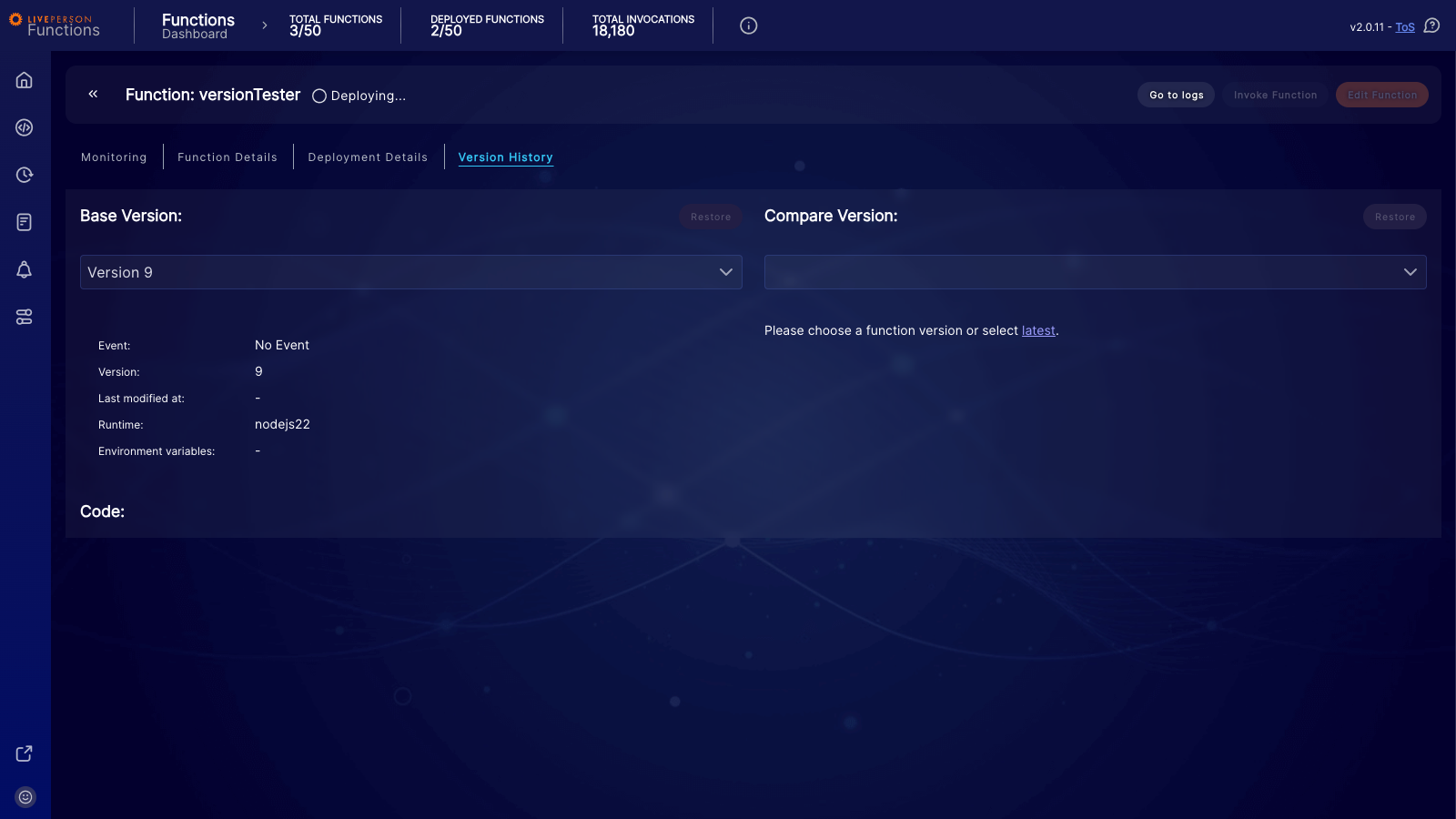
You can select any version and compare it with another. Removals are highlighted in red, and additions are highlighted in green. The Restore button is active if you select a version that is older than the latest one. Clicking Restore creates a new version of the function containing the code from the selected older version.
If your function was migrated from Functions v1, the Compatibility Version (Version 0) is always retained. You can always roll back to it.