
When you first visit the LivePerson Functions V2 UI, you must trigger a one-time provisioning process. This process sets up the necessary configuration and infrastructure for the platform. Please be aware that provisioning can take up to 10 minutes; the UI will notify you upon completion.
When you trigger the provisioning, ensure you use a Conversational Cloud admin account. This guarantees sufficient permissions to trigger all relevant tasks.
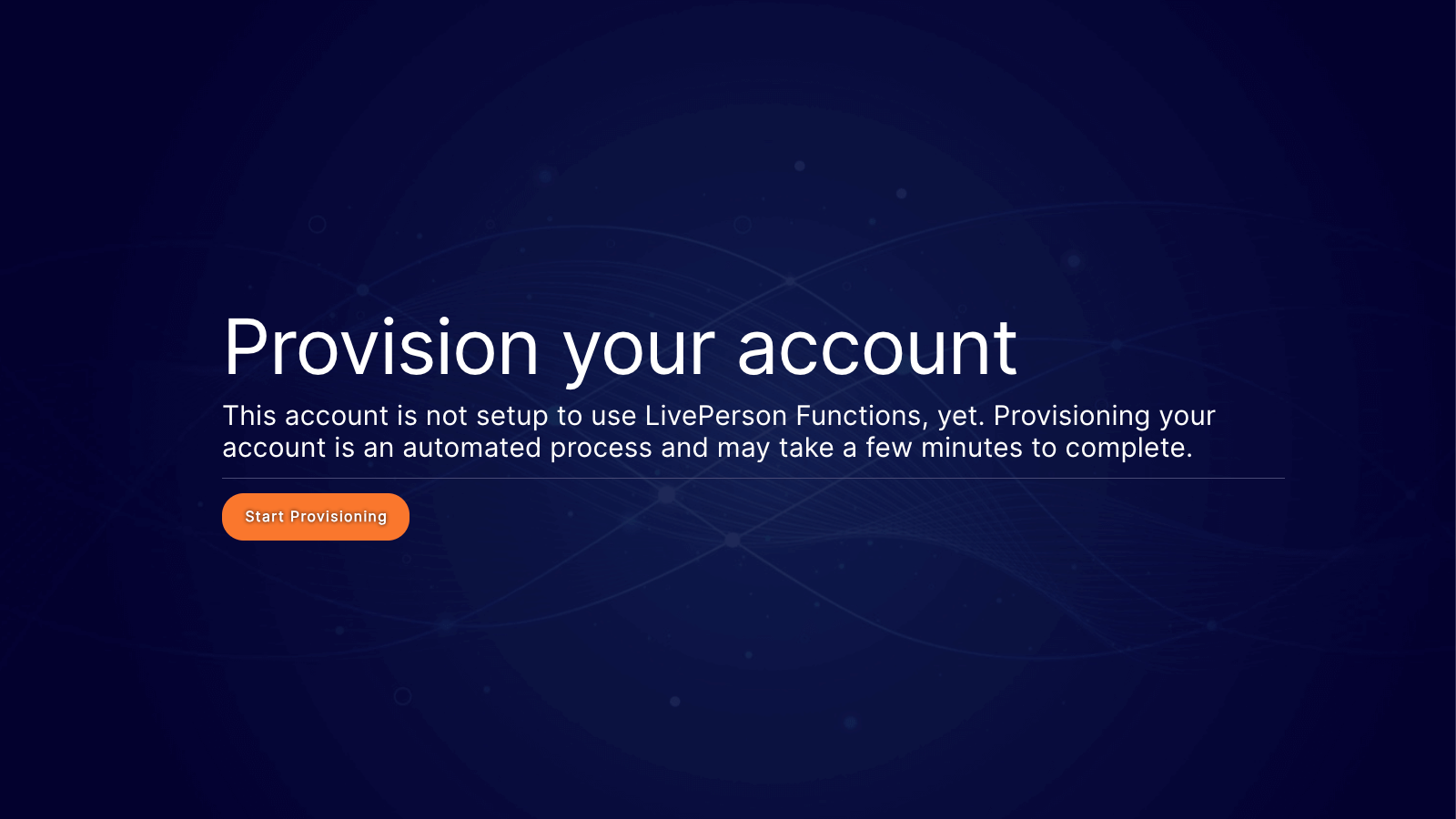
The following tasks will be performed as part of the provisioning:
- Activating the LivePerson Functions feature on your account.
- Provisioning and configuration of the Infrastructure for your account
- Creating default secrets to interact with other LivePerson APIs
- Store default secret in secret store to interact with other LivePerson APIs
Provisioning secrets
As part of our runtime library, the toolbelt, we offer the LPClient, which allows you to consume certain LivePerson APIs easily. To enable this, we generate the required authentication during the provisioning process. The created secret is stored as a system secret that only the system can alter. The following secrets are generated:
- LIVEPERSON_DEFAULT_APP_KEY: This secret is required by the LPClient to access LivePerson APIs.
If your account was migrated from V1 to V2, you might see some old system secrets used only for V1 compatibility functions.
LIVEPERSON_DEFAULT_APP_KEY
| API | Privileges |
|---|---|
| Data Access API | Read |
| Engagement History API | Read |
| Operational Realtime API | Read |
| Personal Data Deletion API | Read |
| Users API | Read |
| Skills API | Read |
| Agent Groups API | Read |
| Profiles API | Read |
| LOBs API | Read |
| Workdays API | Read |
| Visit Information API | Read |
| Validate Engagement API | Read |
| IVR Engagement API | Read |
| Predefined Content API | Read |
| Automatic Messages API | Read |
| Predefined Categories API | Read |
| Unified Automatic Messages API | Read |
| Agent Status Reason API | Read |
| Functions API | Invoke |
While you can access and use system secrets, we discourage this practice, as changes to scopes and permissions might occur without notice. Therefore, we recommend using your own dedicated keys and secrets instead of system secrets, especially when not consumed through the LPClient.